Log on WhatsApp. See everything in the app.

WhatsApp expense tracker.
That's literally it.

Log expenses on WhatsApp by text, photo, or voice. AI handles the rest.

Start tracking on WhatsApp
Free on WhatsApp. No sign-up needed.
Other apps
Fill out the form.
Again.
CategorySelect...
Amount0.00
CurrencySelect...
DescriptionRequired
DateSelect...
TripSelect...
Cancel
Save
😩
Jotspend on WhatsApp
Just text it.
Done.
WhatsApp
Log expenses
170+
Currencies
<2s
Per expense
0
Forms
How it works

Open WhatsApp. Text us.
Start logging.

No sign-up forms. No onboarding screens. Text "hey" on WhatsApp and start tracking in seconds. Everything you log shows up in the app automatically.

01

Type it.
Like a text message.

Open WhatsApp. Type "coffee 12 aed" or "grabbed lunch for 1500 lkr." The AI figures out the amount, currency, category, and merchant. Done.

  • Works in any language you think in
  • Auto-converts 170+ currencies to your home currency
  • Categories, locations, merchants, all auto-tagged
Jotspend
online
pad thai 80 baht walking street
Pad Thai · Walking Street8.20
Food · THB → AED
grab to hotel 250 thb
Grab · Hotel25.62
Transport · THB → AED
massage 500 thb
Massage51.25
Experiences · THB → AED
Type an expense...
02

Snap it.
Receipt gone.

Send a photo of any receipt on WhatsApp. Crumpled, in Thai, handwritten on a napkin. The AI reads it, extracts the total, and logs the expense. You never look at that receipt again.

  • Reads any language, any script, any handwriting
  • Extracts merchant, items, total, tip
  • Send from camera or your gallery
CAFE SPECTRUM
ELLA, SL
Lunch set1,200
Lime soda250
Service 10%145
TOTALLKR 1,595
TUK-TUK FARE
COLOMBO
Distance8.2 km
Waiting5 min
TOTALLKR 500
Got it. LKR 1,595
03

Say it.
Hands free.

Walking out of a restaurant? Hold the mic on WhatsApp. Say "dinner was 45 dirhams at that sushi place." Jotspend transcribes it and logs it.

  • Hold to record, release to send
  • Works in any language you speak
  • Transcribed and logged in seconds
Jotspend
online
nasi lemak fifteen ringgit at mamak stall
Nasi Lemak · Mamak Stall12.22
Food · MYR → AED
grab from KLCC twenty five ringgit
Grab · KLCC20.37
Transport · MYR → AED
Cancel
0:03
The app

WhatsApp logs it.
The app shows you everything.

You spent 3 weeks logging expenses without thinking about it. Now open the app and actually see where the money went. Daily charts. Category breakdowns. Budget warnings. The stuff you never had because tracking was too painful to stick with.

Sri Lanka Trip
Spending Dashboard
Week Month Trip
TOTAL SPEND
AED 755.40
Apr 1 – Apr 15
12% vs prior
DAILY SPEND
28
EXPENSES
Food
TOP SPEND
Ella
TOP STOP
Food leads. It's 42% of your AED 755 spend. Spread across 5 categories.
Budget 68%
AED 755 of AED 1,100 used
AED 345 remaining
📈

Daily spend chart

See exactly which days you splurged and which you didn't. Spot patterns before they become regrets.

🌱

Category breakdown

Food, transport, stays, experiences. Each with percentage bars so you know where the money actually goes.

📍

Location hotspots

Ella ate 40% of your budget? Now you know. Location-tagged spending across every stop on your trip.

AI insights

Smart observations like "You're pacing AED 52/day, projected to finish AED 200 under budget." Not just charts. Answers.

💰

Trip budgets

Set a budget per trip. See remaining balance, daily safe-spend, and get warnings before you overshoot.

Active
Sri Lanka
Dubai → Sri Lanka · Apr 1 – Apr 15, 2026
TOTAL SPENT
AED 755
28 expenses · AED
BUDGET LEFT
AED 345
of AED 1,100
Budget 68% used
Trip budget
AED 1,100
Daily avg
AED 50/day
Daily budget
AED 73/day
Categories
🍽️ Food AED 318
🚕 Transport AED 195
🏨 Stay AED 155
Trip management

Every trip is
its own world.

Create a trip on WhatsApp by saying where you're going. Every expense gets tagged automatically. Switch trips in one text. See the full picture in the app.

Budget tracking Set a budget. See remaining balance, daily pace, and get warned before you overshoot.
Multi-currency 3 countries, 3 currencies? All auto-converted to your reporting currency.
Export anytime Clean CSV or PDF with categories, dates, and amounts. Hand it to your accountant.
AI summary Text "how much did I spend?" and get a full breakdown. Total, top category, budget status.

Every expense app
made me want to
give up by day 3.

I tried everything. Splitwise. TravelSpend. Google Sheets. Even a Notes app where I'd type "taxi 200" and promise myself I'd sort it later. I never sorted it later.

The problem wasn't discipline. It was friction. Every app wanted me to pick a category from a dropdown, select a currency, enter a date, choose a trip. By the time I'm done, I've forgotten the next 3 expenses.

So I built Jotspend. Put it on WhatsApp because that's what everyone already has open. Took it on a one-month trip across three countries. For the first time in my life, I tracked every single expense. Not because I was disciplined. Because texting "lunch 45" was easier than not doing it.

31
Days
247
Expenses
0
Apps downloaded

That's the bar. If it's not faster than texting a friend, it doesn't ship.

— Hadi Founder · solo dev · built in Dubai
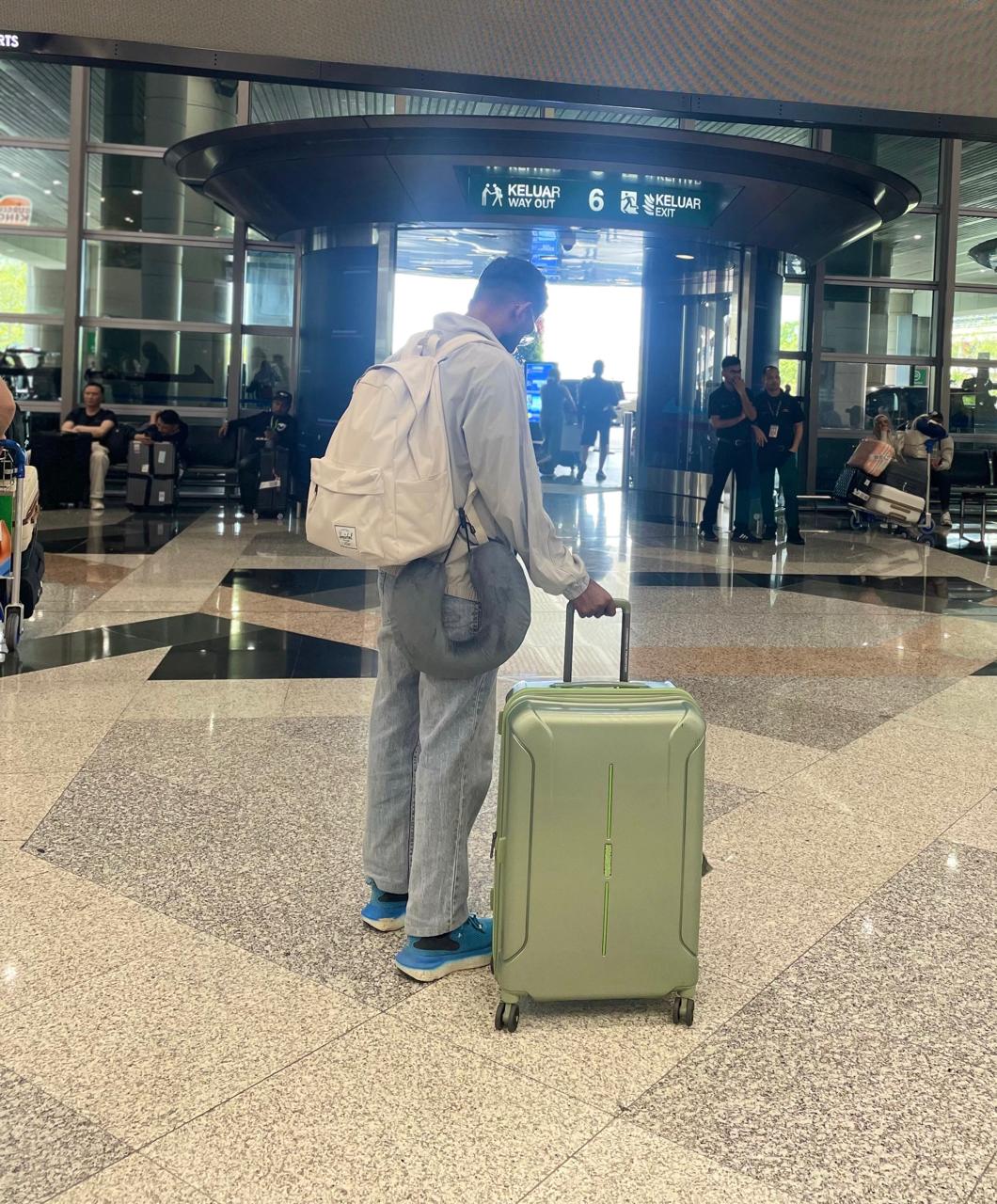
Hadi traveling — the trip that started Jotspend
Privacy first

Your receipts stay yours.

0
Ads. Ever.
0
Data sold or shared
256-bit
End-to-end encrypted
Pricing

Free for now.

No subscription. No credit card. Log on WhatsApp, see everything in the app. We'll let you know if that ever changes.

Start free on WhatsApp
FAQ

You're probably wondering.

Do I need the app to use Jotspend?

No. You can log every expense on WhatsApp for free, forever. The app is for when you want to see dashboards, charts, budgets, and export reports. Think of WhatsApp as where you log, and the app as where you see the full picture.

How is this different from Splitwise or TravelSpend?

Those apps are form-first. You tap through fields for every expense. Jotspend is chat-first. Type one line on WhatsApp, send a voice note, or snap a receipt. The AI handles categories, currencies, and everything else.

What are the three ways to add an expense?

Text: Type "coffee 12 aed" on WhatsApp. Photo: Send a receipt photo. Voice: Send a voice note saying what you spent. All three work the same way. AI parses it, done.

How do I sign up?

Just text "hey" to our WhatsApp number. The bot will walk you through a quick setup (your name, where you live, where you're going). Takes about 30 seconds. No forms, no email verification.

What if the AI gets something wrong?

Just tell it. Text "edit that last expense" or "change category to transport." It learns your preferences over time and gets better.

How do I see my total spending?

Two ways. Quick answer: text "how much did I spend?" on WhatsApp and get an instant summary. Full picture: open the app and see daily charts, category breakdowns, budget tracking, and AI insights you can't get in a text message.

What languages does it support?

Input in any language. Receipts in any script (Arabic, Thai, Sinhala, Chinese, etc.). Voice works in whatever language you speak.

Will my data be used to train AI?

No. Your expense data is never used to train any model. Encrypted, stored privately, only accessible by you.

You already have WhatsApp.
Start there.

Text us what you spent. We'll handle the rest. When you're ready to see the full picture, the app is waiting.

Start tracking on WhatsApp
Free on WhatsApp. App available on the App Store.